


What is Google Safe Search?
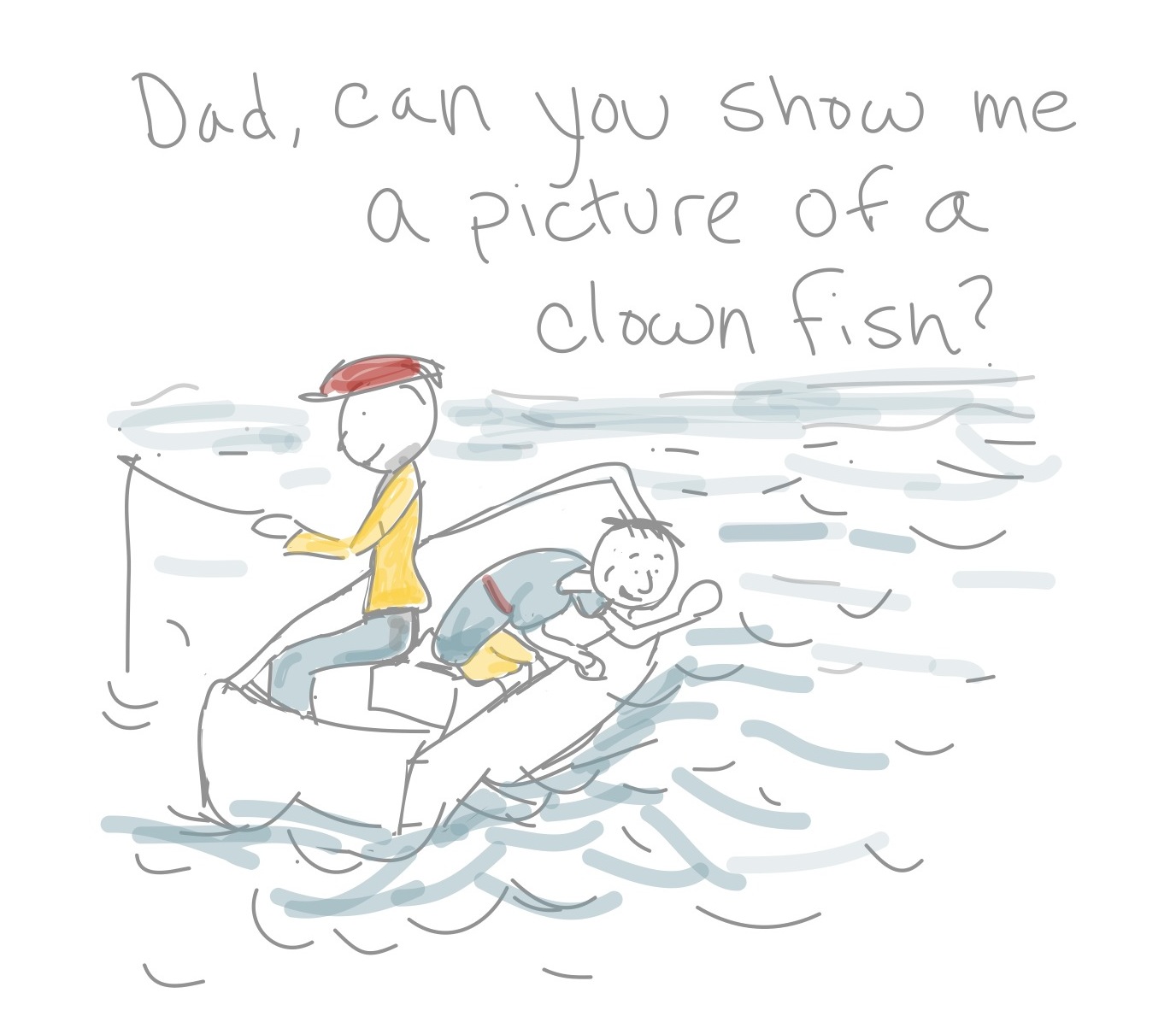
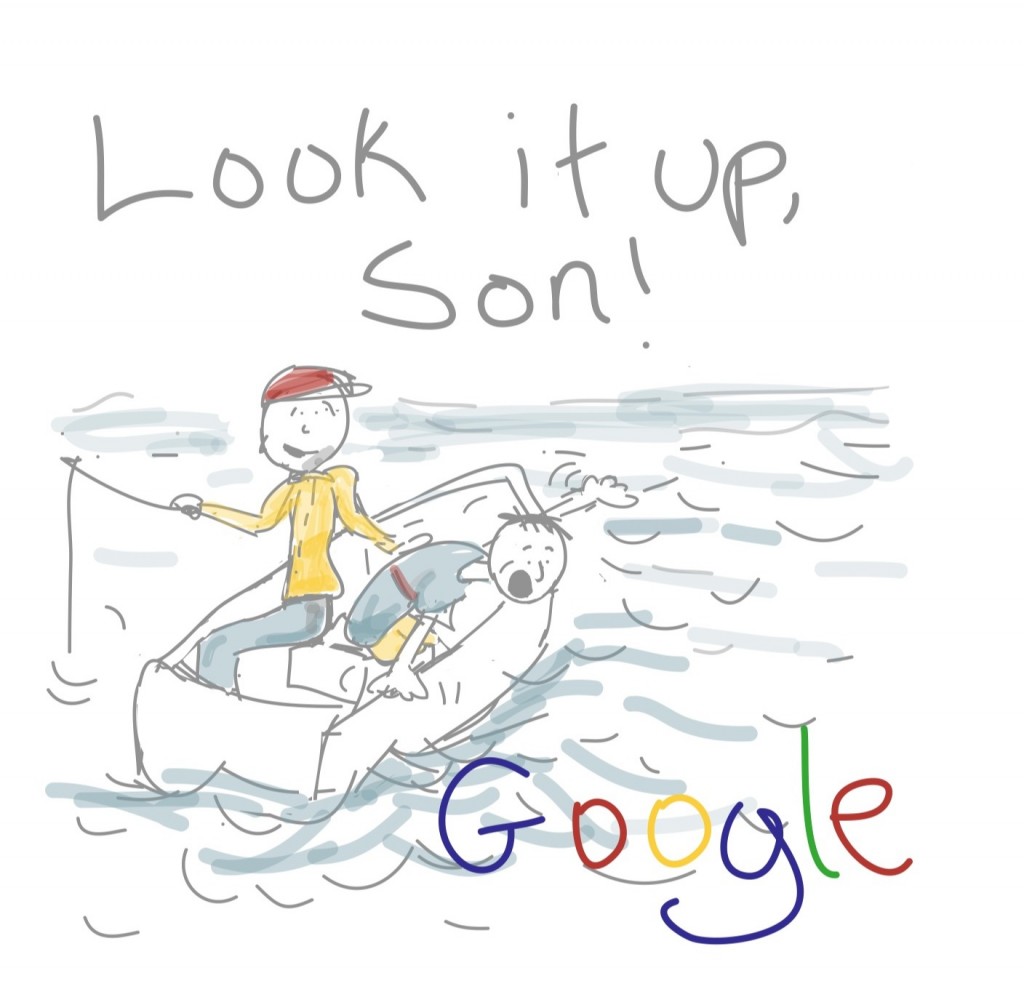 Don’t put your kids out to sea! Teach them how to do a google safe search!
During the BYU Women’s Conference, the most common question I received was, “I have web filter installed (K9, or NetNanny). Why do I sometimes get bad images coming up on Google? There was a cute little grandma that said, “My Granddaughter's name is Lily. She typed “Lily Love” into the search bar. You wouldn't believe the images that came up!! AND I had K9 running at the time!” Apparently there is a 'Lily Love' in the adult entertainment community.
My answer .. “You need to turn on google safe search.”
What is google safe search?
Explained .. The web filters installed and running on your computer ALLOW content from google, or any other search engine. The search engine itself should have a safe search setting. This would prevent inappropriate images from coming up during a routine google search. Don't get me wrong .. I LOVE google. I use it at least 10 times a day. My son asks me random questions and if I don't know the answer he says, “Well, you could look it up!” It won't be long before he is typing in his random questions on a computer.
How to turn on google safe search?
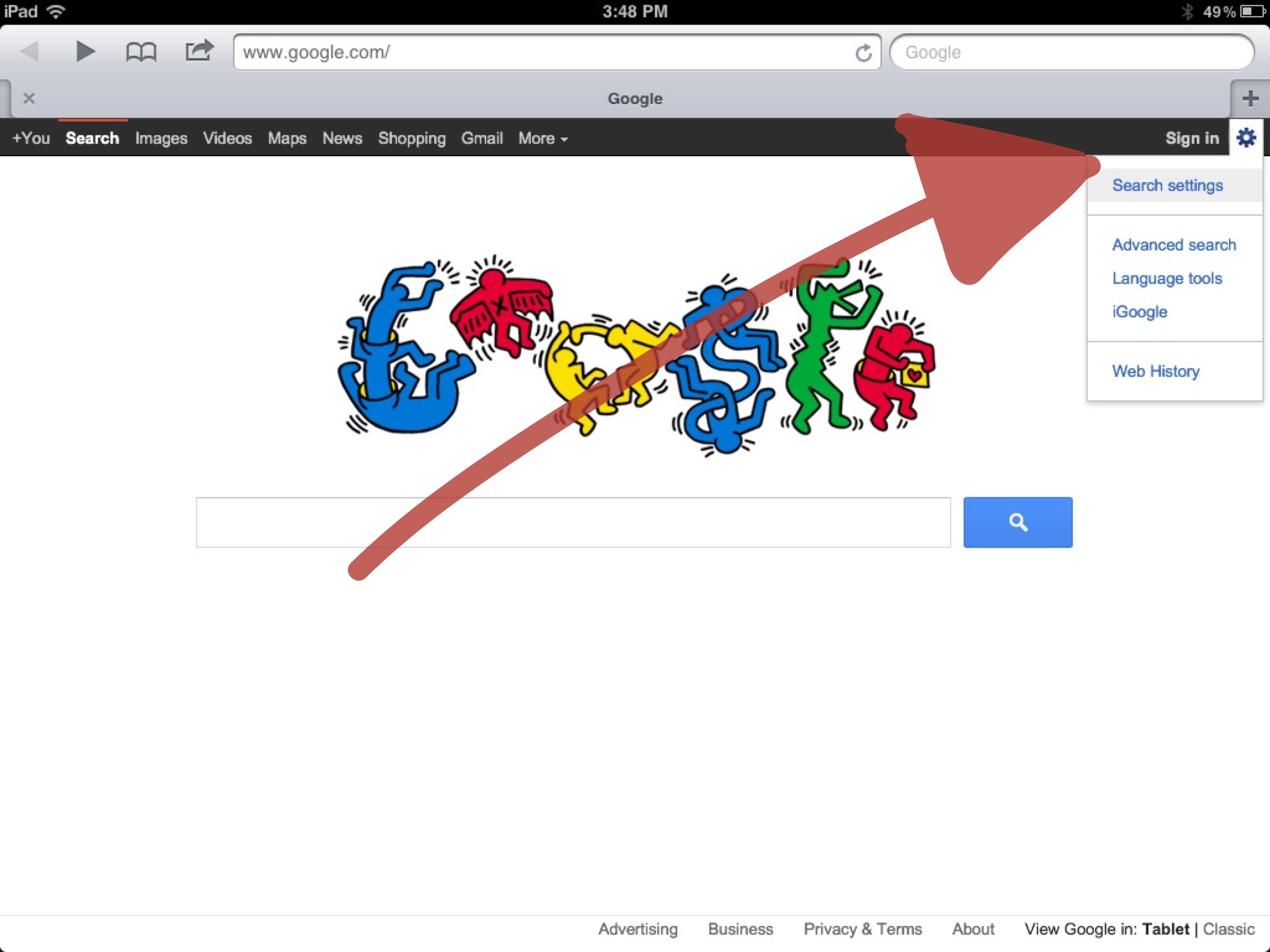
It’s pretty simple. When you go to google in the far right corner there is a settings button. Click on it. Then go to search settings.
Now turn the google safe search filters setting to strict.
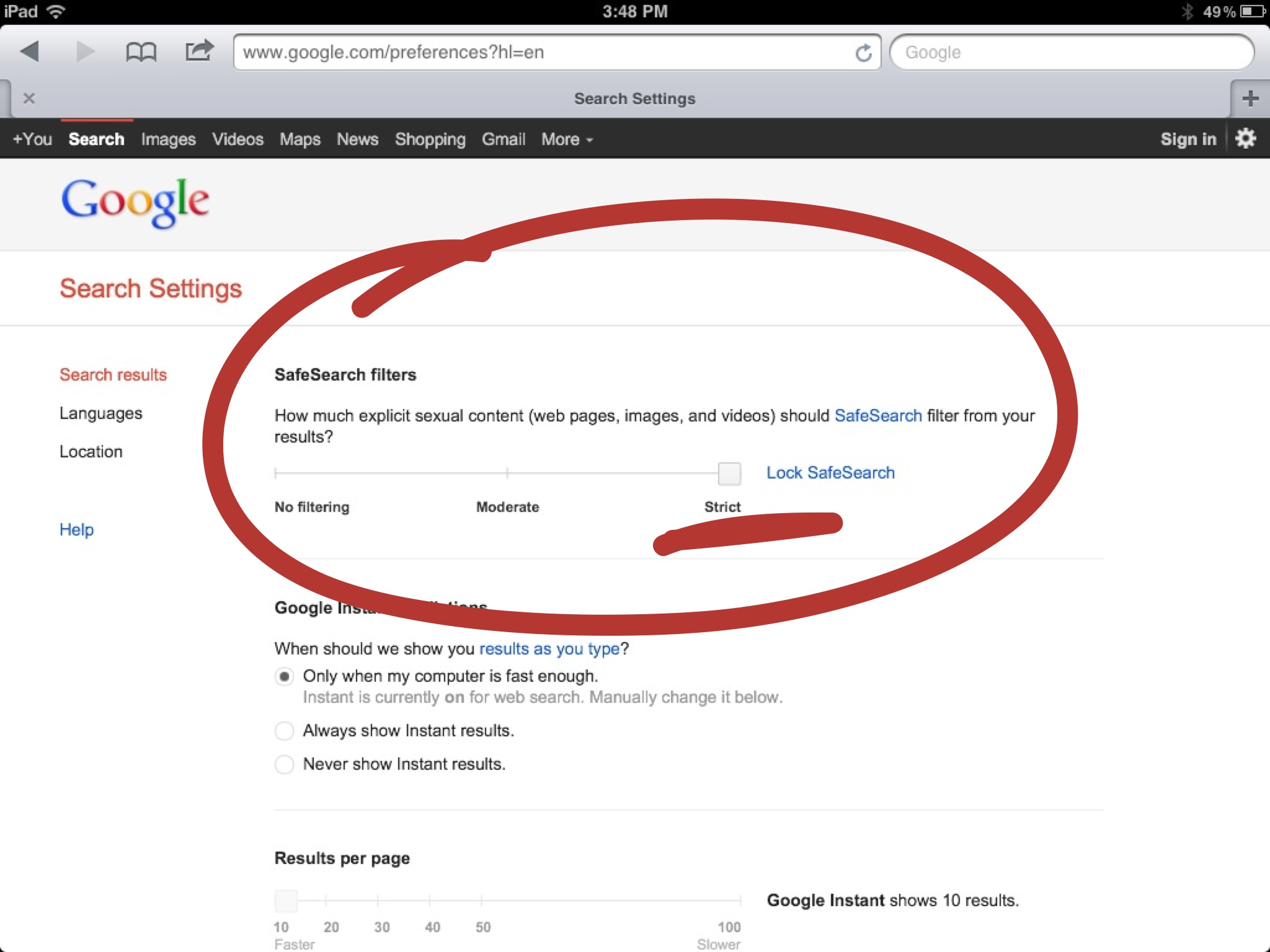
How to lock google safe search?
If you click on the link to lock google safe search, you need to enter your google account and password. This will allow the web browser settings to be locked. You would have to enter your google password in order to turn google safe search off.
This needs to be done on every web browser!
If you have multiple browsers installed (Internet Explorer, Firefox, Google Chrome, Apple Safari) you need to turn on google safe search and lock google safe search on each browser.
I found a great video tutorial which shows you how to lock multiple web browsers.
Safe Search Options for Little Kids
Just like you put on a preserver for your toddler or baby before going into water. You may want to look at some websites that make the 'searching' process that much more safe.
Safesearchforkids - “SafeSearch for Kids is the child friendly search engine where safe search is always 'on', powered by Google. The safe browsing feature allows your kids to safely surf the web with a much lower risk of accidentally seeing illicit material.”
kidclicks- “It's the Safe Little Kids Search Engine to help keep kids safe online. Kid Clicks has Google working hard in the background to streamline safe clicks for every search term entered. Strict Google Filtering is On and Locked.
I mentioned in my “Surf Safely” post the Kidzui browser. The nice thing about the browser is your kid will not 'accidently' click on an unprotected google search toolbar, or website.

8 Responses to “What is Google Safe Search?”
Leave a Reply

Thanks so much for this! I am sharing it on my fb page  keep the safe information coming.
 wathy64 says:
 You are welcome! Hope it helps! Thanks for sharing the site!
 Pagina Web Manizales says:
 buenos dias acabo de enterarme de tu webblog y la verdad es que me parece estupendo no sabia de mas personas interesadas en estos temas, aqui tienes un nuevo lector que seguira visitandote abitualmente.
wathy64 says: Muchas gracias por su apoyo! Dile a tus amigos y familiares sobre el sitio web. Además, quiero saber si hay algo que usted quisiera que la investigación!

I’ll immediately snatch your rss as I can’t in finding your e-mail subscription hyperlink or newsletter service. Do you have any? Please let me realize in order that I could subscribe. Thanks.
 magic submitter says:
 Amazing issues here. I am very happy to peer your post. Thank you so much and I am taking a look forward to touch you. Will you please drop me a e-mail?
 R. Scott says:
 Check! Thanks so mucjh!!
 rencontrecougard.info says:
 Hi I am so glad I found your website, I really found you by mistake,
while I was searching on Askjeeve for something else, Nonetheless I am here now and would just like to say thanks a lot for a incredible post and a
all round interesting blog (I also love the theme/design), I
don’t have time to read it all at the moment but I have
saved it and also included your RSS feeds, so when I have time I will be back to read a
lot more, Please do keep up the superb job.




Thanks so much for this! I am sharing it on my fb page keep the safe information coming.
You are welcome! Hope it helps! Thanks for sharing the site!
buenos dias acabo de enterarme de tu webblog y la verdad es que me parece estupendo no sabia de mas personas interesadas en estos temas, aqui tienes un nuevo lector que seguira visitandote abitualmente.
Muchas gracias por su apoyo! Dile a tus amigos y familiares sobre el sitio web. Además, quiero saber si hay algo que usted quisiera que la investigación!
I’ll immediately snatch your rss as I can’t in finding your e-mail subscription hyperlink or newsletter service. Do you have any? Please let me realize in order that I could subscribe. Thanks.
Amazing issues here. I am very happy to peer your post. Thank you so much and I am taking a look forward to touch you. Will you please drop me a e-mail?
Check! Thanks so mucjh!!
Hi I am so glad I found your website, I really found you by mistake,
while I was searching on Askjeeve for something else, Nonetheless I am here now and would just like to say thanks a lot for a incredible post and a
all round interesting blog (I also love the theme/design), I
don’t have time to read it all at the moment but I have
saved it and also included your RSS feeds, so when I have time I will be back to read a
lot more, Please do keep up the superb job.